
Interactive Timeline Block
The Interactive Timeline Template defines the HTML structure and content displayed within the Gutenberg editor for the Interactive Timeline Block. It is responsible for displaying a series of events or milestones in an interactive timeline format.
Content Editor Fields
Dates
- Description: A list of dates and their associated content. Each date can have a year, content, and an optional image.
- Usage: Use this field to add and manage the dates and content in the timeline.
- Mandatory: This field is mandatory. If no dates are added, the block will not display anything.
Example Usage:
Steps:
- Add the block: Insert the Interactive Timeline Block into your page or post.
- Fill the fields:
- In the block settings, add the dates in the "Dates" field. For each date, you can add a year, content, and an optional image.
- Save the Block: Your Interactive Timeline block is now ready for display!
Result:
When properly configured, the Interactive Timeline Block will render an interactive timeline with a series of dates and their associated content.
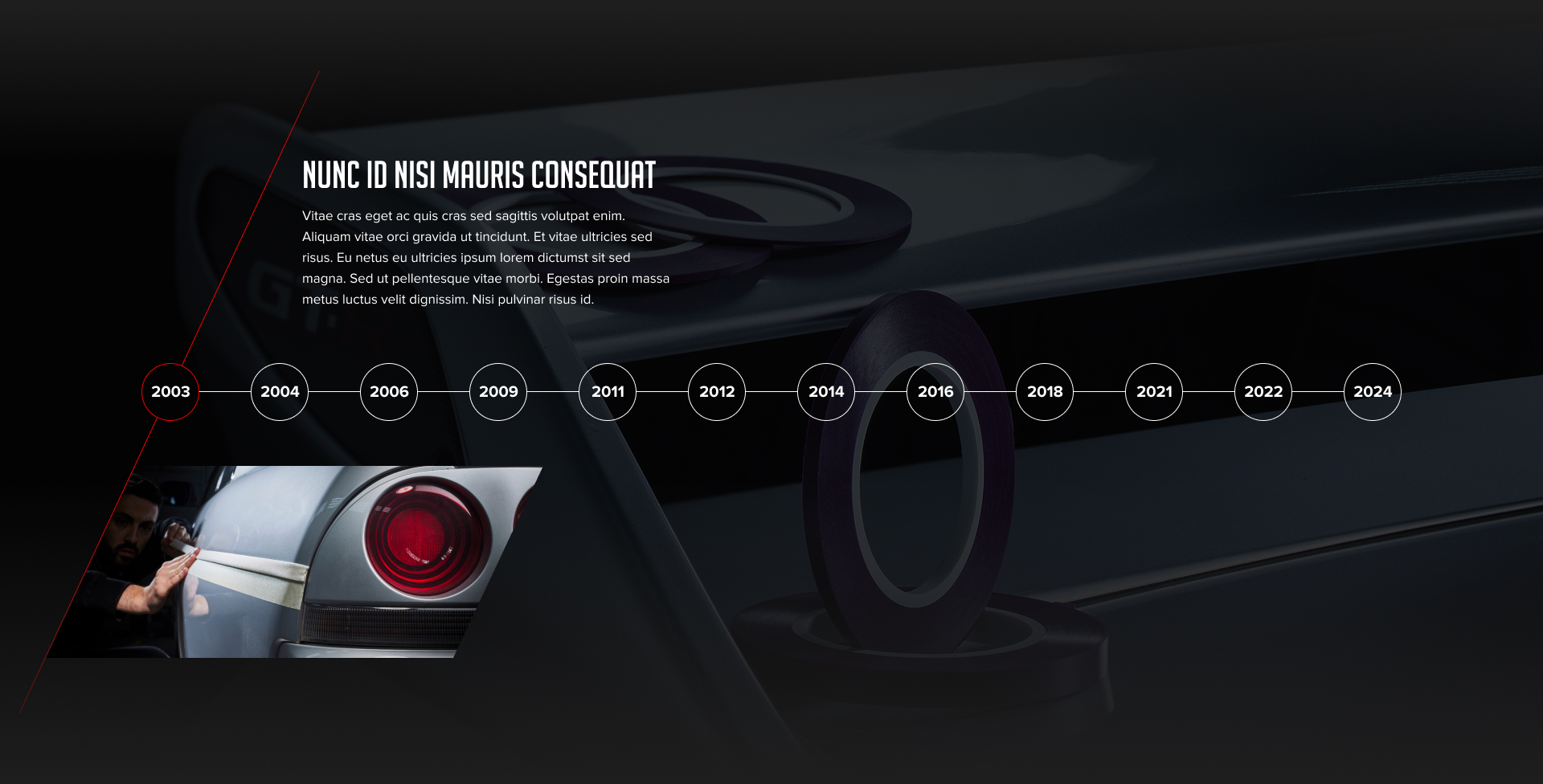
Preview in the editor (body):
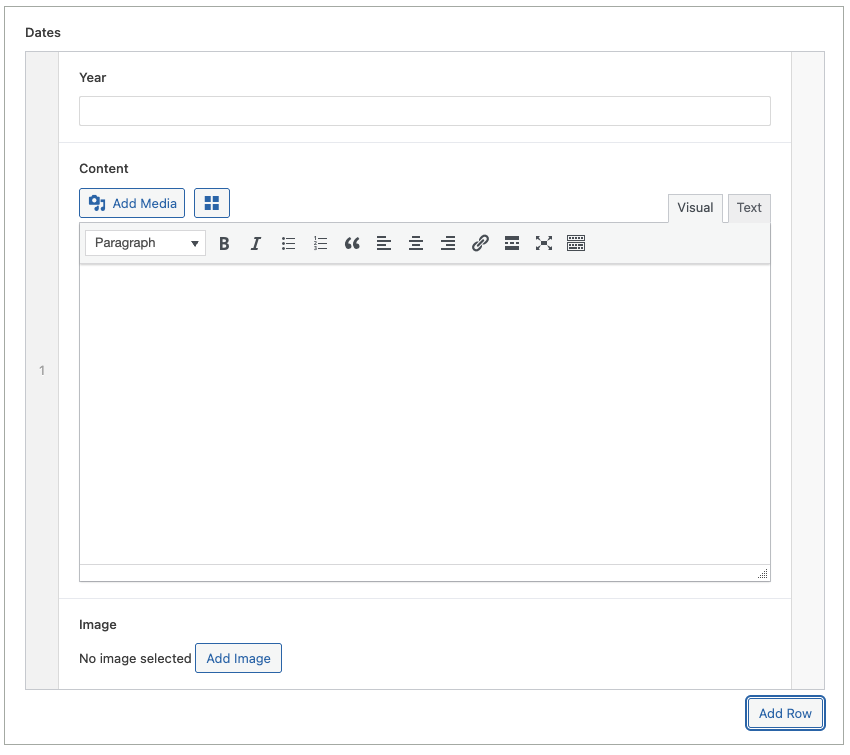
Customization:
You can customize the Interactive Timeline Block display in the following ways:
- Content Customization: Change the year, content, and image of each date directly within the block settings.
Benefits:
- Clear Structure: The template provides a simple and organized HTML structure.
- Dynamic Content: The template allows for dynamic content to be inserted.
- Easy to Use: It is simple to configure for the end user.
- Interactive: The timeline is interactive.
- Multiple dates: You can add multiple dates.