
Guides Tips Slider Block
The Guides Tips Slider Template defines the HTML structure and content displayed within the Gutenberg editor for the Guides Tips Slider Block. It is responsible for displaying a heading and a list of articles in a slider layout.
Content Editor Fields
Heading
- Description: The main heading text displayed above the slider.
- Usage: Use this field to provide a clear title for the section.
- Optional: If no heading is provided, this element will not be displayed.
Articles
- Description: A list of articles to be displayed in the slider. Each article can have a title, an excerpt, an image, and a link.
- Usage: Use this field to add and manage the articles in the slider.
- Mandatory: This field is mandatory. If no articles are added, the block will not display any article.
Container
- Description: A setting to enable or disable a container around the content.
- Usage: Use this field to add a container around the content.
- Optional: If this field is not set, there is no container.
Example Usage:
Steps:
- Add the block: Insert the Guides Tips Slider Block into your page or post.
- Fill the fields:
- In the block settings, fill the "Heading" field.
- In the block settings, add the articles in the "Articles" field. For each article, you can add a title, an excerpt, an image, and a link.
- In the block settings, set the "Container" field.
- Save the Block: Your Guides Tips Slider block is now ready for display!
Result:
When properly configured, the Guides Tips Slider Block will render a section with a heading and a slider of articles. Each article will display its title and excerpt.
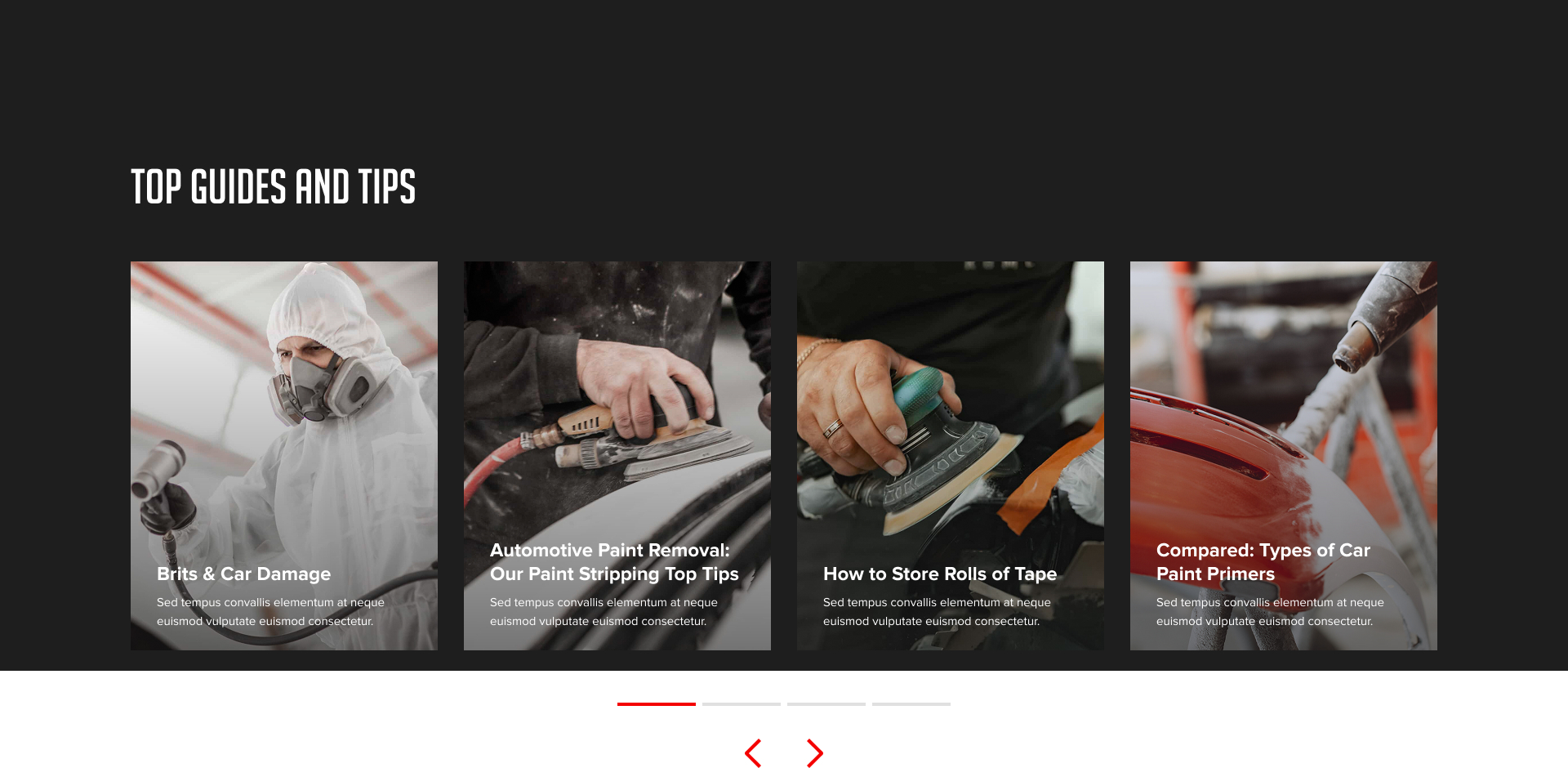
Preview in the editor (body):
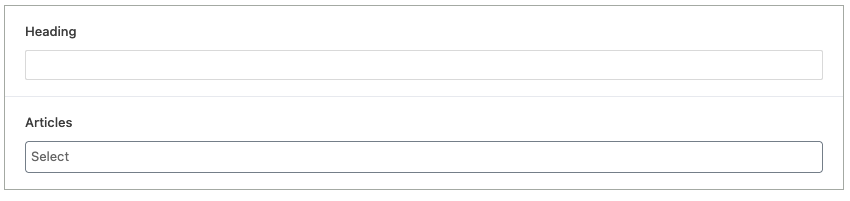
Customization:
You can customize the Guides Tips Slider Block display in the following ways:
- Content Customization: Change the heading text and the articles details directly within the block settings.
Benefits:
- Clear Structure: The template provides a simple and organized HTML structure.
- Dynamic Content: The template allows for dynamic content to be inserted.
- Easy to Use: It is simple to configure for the end user.
- Multiple articles: You can add multiple articles.
- Slider: The articles are displayed in a slider.
- Container: You can add a container.